Solutions › Churches
Give every member one pass. It opens the members-only pages on your church website, gets a member price at the church shop, and gets a warm welcome at member events. No app to download, no password passed around the pews.
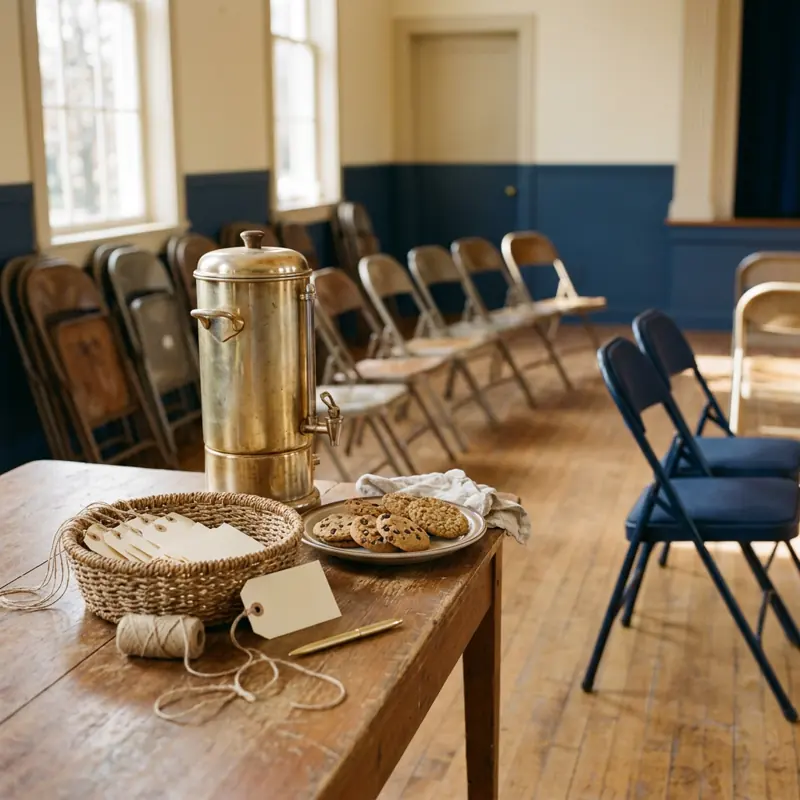
A church runs on volunteers and goodwill. The member directory lives in a binder or a spreadsheet, the prayer list goes out by group text, and the "members" page on the website has a password that has been shared for years. Bothy gives every member one membership pass. The pass opens what is meant for your congregation and keeps it there, on the website, at the book table and at the door of the fellowship dinner.
What you use today
What you could use with Bothy
Set up your church in the dashboard, free. Add your name and logo and create your member pass. No website? Tick "we don't have a website" and keep going.
Add members one at a time, or upload the whole list from a spreadsheet. Each person gets an invite, taps once, and their pass is ready in about a minute. No app, no password to remember.
Your membership pass for Hillside Community Church is ready. Accept it below and it's yours: it shows you belong, and it can't be copied, sold, or handed off. There's nothing to buy.
Accept my membershipAdd SkyeGate to your church website and point it at your pass. The directory, the prayer list and small-group notes open for members and stay closed for everyone else. The content is not in the page at all until the pass checks out.
The member directory, this week's prayer list and small-group notes, for members with the pass.
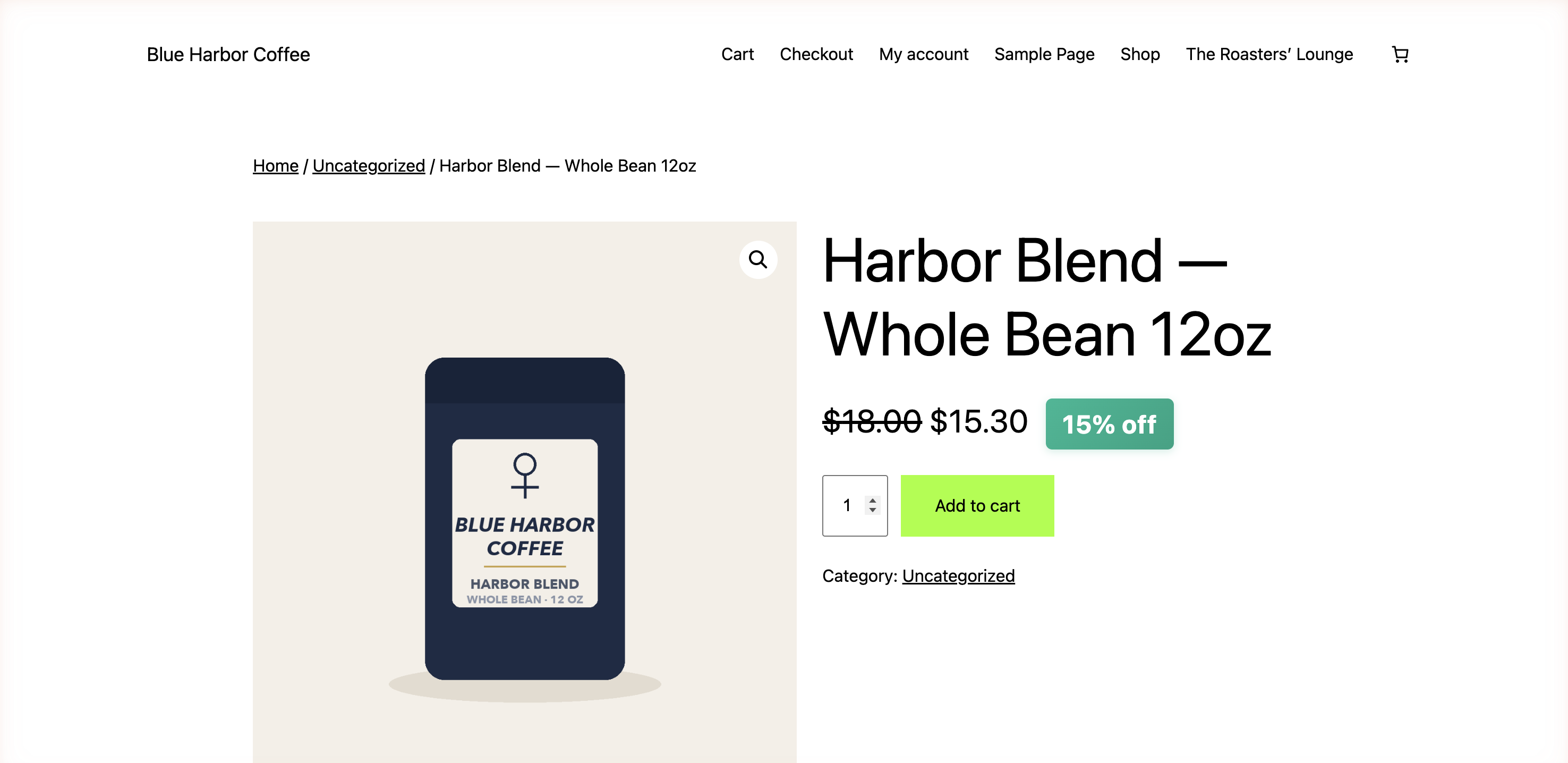
If your church sells books, music or gifts online with WooCommerce, add SkyeWoo and set a member price. Members see it at checkout. There is no coupon code to share around.

For a members' dinner or a retreat, a volunteer opens the Bothy Scanner on their own phone or tablet. A member shows their pass and the screen says yes. Set a member discount and the same screen shows it at the book table. Nothing to buy or install.
Shown on a tablet. Any phone, tablet or laptop works. Staff see yes or no, never the wallet.
When someone joins, send them a pass. When someone moves away, remove them in a tap.
What belongs to your congregation stays with your congregation, and there is no password to pass around.

Your pass can reach past the church door. Any local business running Bothy can choose to recognize it, so the bakery after the service or the bookshop down the street can give your members a price.
You don't send anyone a list. A shop never sees your directory; it only learns that the person in front of it is a member. Your members carry one pass, and your directory stays private. How it works for local shops.
No. A member taps one link in the invite email and their pass sets up in about a minute with their email and a quick code. There is no app to install and nothing to buy. Members never pay.
A pass can be claimed and opened from any device with a browser, using just an email. A family member can help them accept the invite once, and after that there is nothing to remember: no password and no app.
No. Bothy does not handle giving, dues or payments of any kind. Keep using what you use today for that. Bothy is the membership pass, and it is free for your members.
The members-only pages work on WordPress and Next.js websites today. Without one of those, the pass and the Scanner still work on their own, and you can add members-only pages later.
You remove them in a tap and their pass is revoked, so members-only pages, the member price and the welcome at events stop for them. Nobody else has a password to change.
Setting up your church and creating the pass is free. One Skye license ($49/mo or $350/yr) turns on every tool and includes your first 50 members; more are $20 per 50, one time. The first 50 founding communities get their first year free, and members never pay.

Free to set up. One Skye license turns on every tool. Founding communities get the first year free.