Bothy Scanner · for staff
See how the Bothy Scanner works before you open it. It's a web page, not a gadget: it opens on any phone, tablet or laptop you already have, with nothing to buy or install. A member shows their pass, and your screen says yes, with the discount in big letters.

Here is what you and your staff will see, before you open the real thing.
Go to skyemeta.com/scanner in the browser on the phone, tablet or laptop you already keep at the counter. Sign in with your community's scanner code and a PIN. Nothing to install.

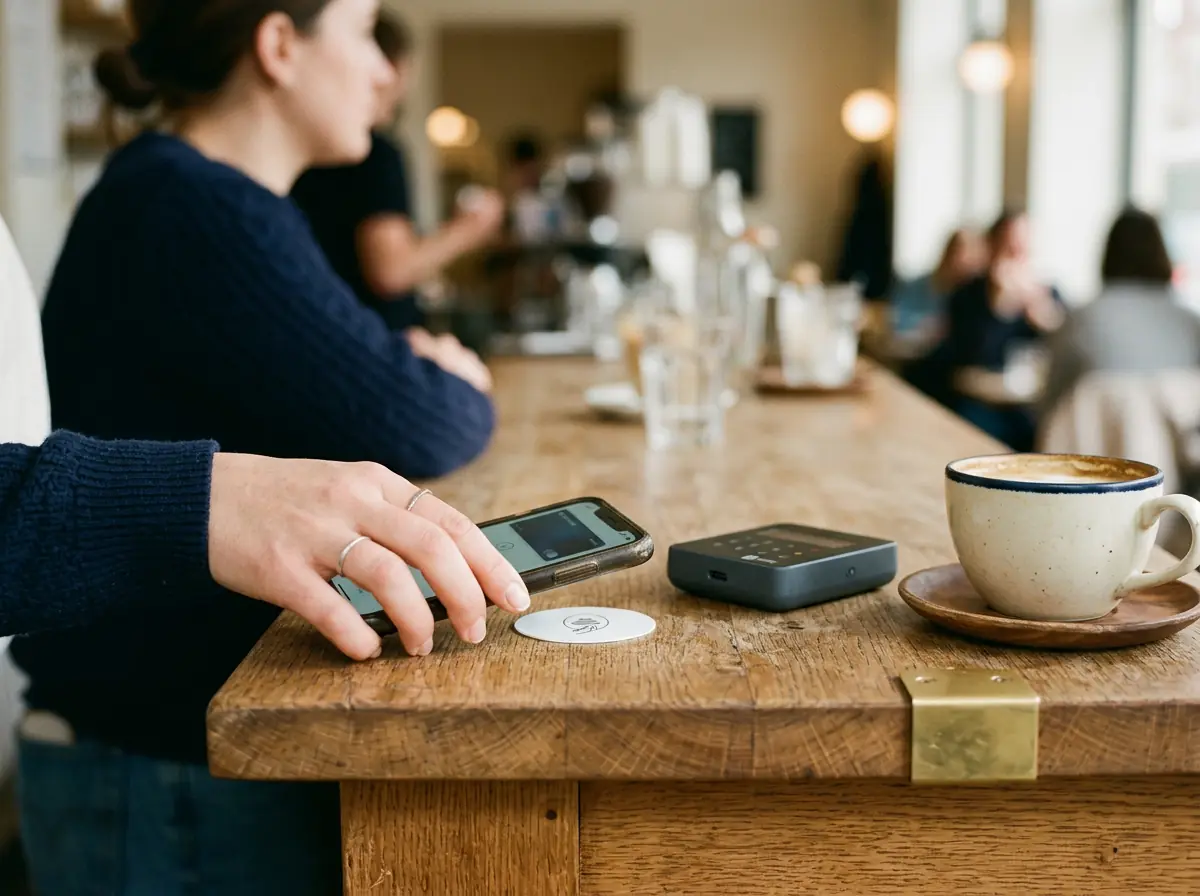
A member holds up the code on their Bothy Pass, or taps their phone on your NFC counter sticker. Sticker taps show up live on the Scanner too.

The Scanner shows one of three things. Then tap Scan next member. These are shown on a tablet; the same page opens on any phone or laptop.

That's the whole screen. Staff never see the member's wallet. A place learns only that the person is a member, never who they are or what they hold.
Program blank NFC stickers right from the Scanner with Program a sticker. Stick one by the register. Members tap their phone on it, their Bothy Pass opens with your perks, and the tap shows up live on your screen.
Buy blank NFC stickers online; they come in packs and cost little. On an Android phone with Chrome, the Scanner writes the sticker for you. On an iPhone or a computer, copy the sticker link into an NFC writer app and write it from there.


Not really. The screen says yes or no, shows the discount in big letters, then offers Scan next member. If you can read a green check, you're ready.
Any phone, tablet or laptop with a browser. There is no Bothy device to buy. Open skyemeta.com/scanner and sign in with your community's scanner code and a PIN. Nothing to install.
Recognized member or not, and the discount if there is one. Never the wallet, never who the person is or what they hold.
No. It comes with the Skye License. See pricing.
No device. The Scanner opens on the phone, tablet or laptop you already have. The only thing to buy is optional: blank NFC stickers for your counter, sold in packs online, if you want members to tap instead of showing a code.
The Scanner tells you that recognition is paused, so nobody at the counter is left guessing.
Open the Scanner on the phone, tablet or laptop you already have, and recognize your members at the register.