Bothy Pass · for members

Your membership, in your pocket.

See how the Bothy Pass works before you open yours. It arrives by email, opens in your phone's browser, and gets you recognized at the counter. No app to install, nothing to buy.
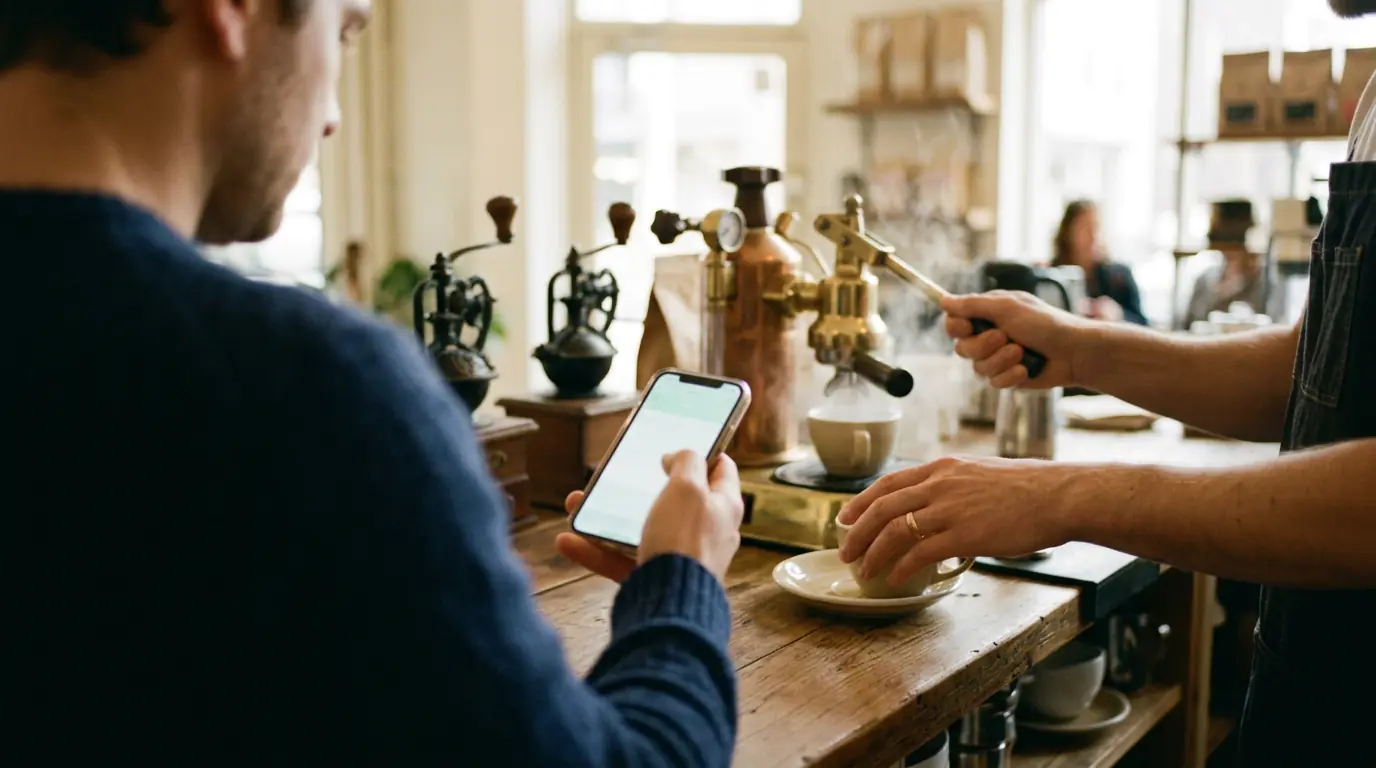

A customer holding a phone up at a cafe register
Bothy Pass
Skye Meta
The Harbor ClubMember since 2026
Active
Show this at the counter
Refreshes in 20s
Recognized at
☕
Blue Harbor Coffee15% off for members
📚
The Roasters' LoungeMembers-only page
%
Recognized at the counterShown on your phone

From the invite to the counter.

Here is what you'll see, step by step, before you ever open the real thing.

1It arrives by email

Your community sends you an invite

The email says “You've been added to” your community. Tap Accept my membership, enter your email and the 6-digit code we send you. Your pass is ready in about a minute.

No app to install, nothing to buy. Members never pay.

You've been added to The Harbor Club
BBothy · just now
You've been added to The Harbor Club

Your membership pass for The Harbor Club is ready. Accept it below and it's yours: it shows you belong, and it can't be copied, sold, or handed off. There's nothing to buy.

Accept my membership
New to this? It takes about a minute. Tap Accept, enter your email, and type the 6-digit code we send you.
2Open it any time

Open it in your phone's browser

Go to skyemeta.com/pass on your phone. Sign in with your email, or connect a wallet you already use: MetaMask, Phantom or Coinbase Wallet.

Your pass shows the stores and communities that recognize you, and a code to show at the counter. Read-only: nothing is moved, approved or signed.

Bothy Pass
Skye Meta
The Harbor ClubMember since 2026
Active
Show this at the counter
Refreshes in 20s
Recognized at
☕
Blue Harbor Coffee15% off for members
📚
The Roasters' LoungeMembers-only page
3At the counter: tap

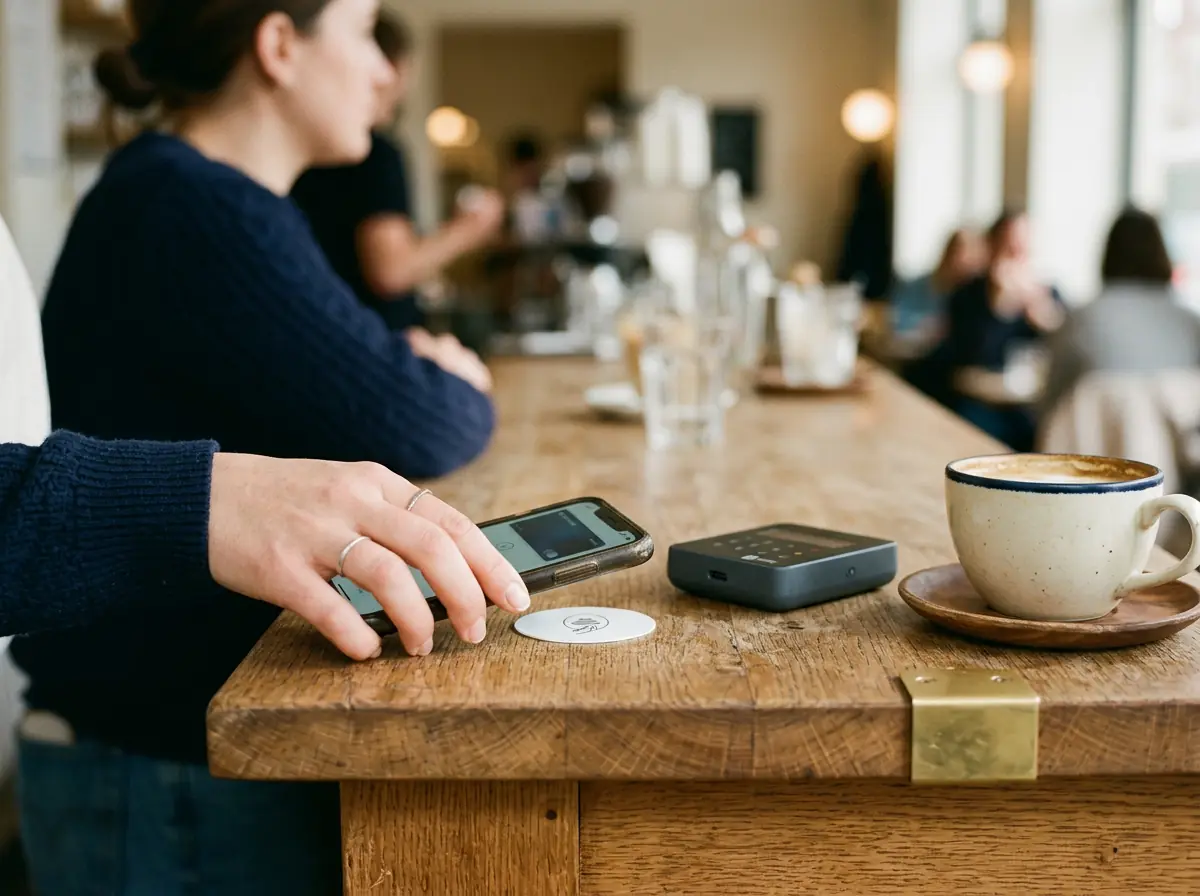
Tap your phone on the counter sticker

Some stores keep a small NFC sticker by the register. Tap your phone on it and your Bothy Pass opens with that store's perks.

A hand tapping a phone on a counter sticker
Bothy PassBlue Harbor Coffee
✓
Opened with this store’s perks
4At the counter: or show

Or show the code, and get a yes

No sticker? Show the code on your pass. It refreshes every few seconds. Staff see a green yes and your discount on the Bothy Scanner, a page open on the store's own phone, tablet or laptop.

A customer receiving a coffee and a receipt, phone in the other hand
Bothy Scanner
Blue Harbor Coffee
Stickers
✓
10% OFF
Recognized member
Apply the discount at checkout.
Scan next member
What staff see

The store learns you're a member. That's all.

Your pass answers one question at the counter. Nothing else comes along with it.

✓

Only that you're a member

A place learns that you belong. Never who you are or what you hold.

🔒

Yours alone

A pass can't be copied, sold or handed off. It belongs to you.

👁

Read-only

Opening your pass moves nothing, approves nothing and signs nothing.

A short line at a bakery counter, one person holding a phone

Next in line, already recognized.

The Bothy Pass, answered.

Do I need to install an app?

No. Your pass opens in your phone's browser at skyemeta.com/pass. Sign in with your email, or connect a wallet you already use.

Does it cost me anything?

No. There's nothing to buy, and members never pay.

What does the store see?

Only that you're a member, plus any discount that goes with it. Never who you are or what you hold.

Can someone else use my pass?

No. A pass can't be copied, sold or handed off, and the code on it refreshes every few seconds.

How long does it take to set up?

About a minute. Tap Accept my membership in the invite email, enter your email and type the 6-digit code we send you.

A shopfront on a main street at blue hour

Your pass is waiting.

Open it in your phone's browser. Running a club, team or group? Set up free and send your people a pass.