By Douglas Borthwick · October 31, 2026
One password for the whole roster never stays secret for long. A pass that recognizes each member does.
By Douglas Borthwick · October 31, 2026
Every club with a website runs into the same problem eventually. You put the schedule, the roster, or the parent handbook behind a password so only your families can see it. Then the password ends up in three group chats, a sibling's phone, and a parent who left the team in May. By fall you're changing it again and emailing everyone the new one.
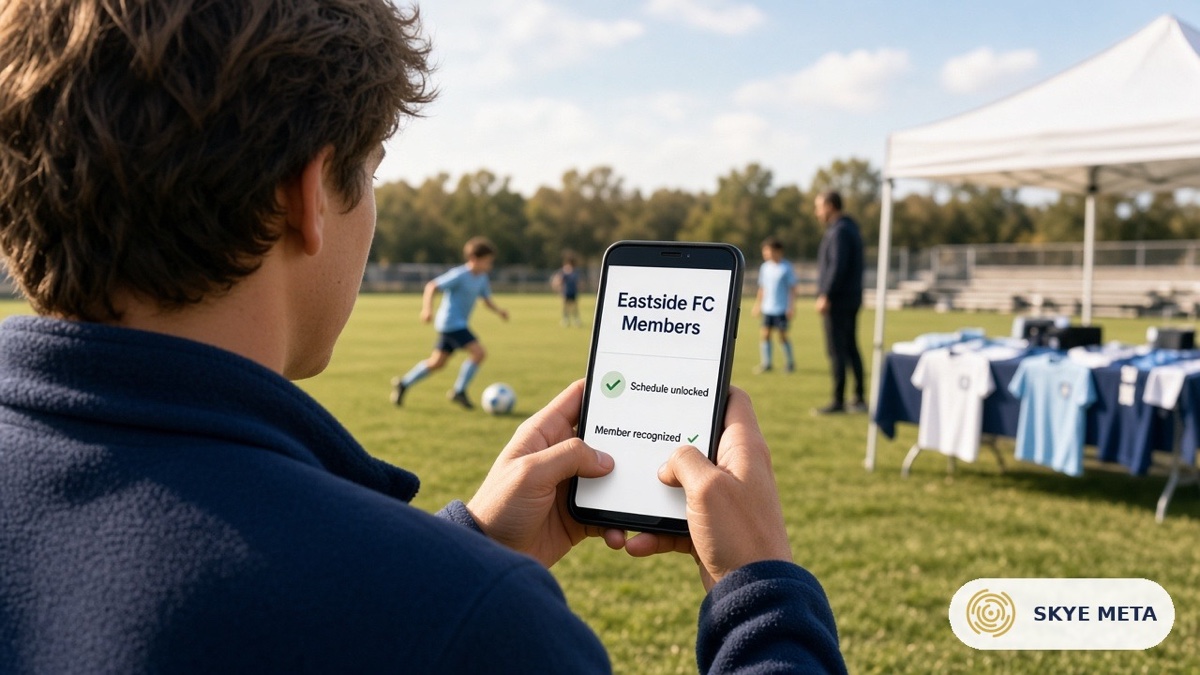
Picture this: Eastside FC keeps its game schedule and carpool sign-up on a page labeled "Members Only." The password is in the welcome email, in the team binder, and in a screenshot someone posted to the league Facebook group two seasons ago. Nobody meant for that to happen. A password just isn't built to stay private once more than a few people know it.
The same thing happens with discount codes, private downloads, and team photo pages. One secret, shared by everyone, works fine until it doesn't.
A Bothy Pass replaces the shared secret with something tied to each person. Members get it by email, accept it with a 6-digit code, and it's ready in about a minute. It opens right in their phone's browser, no app to install.
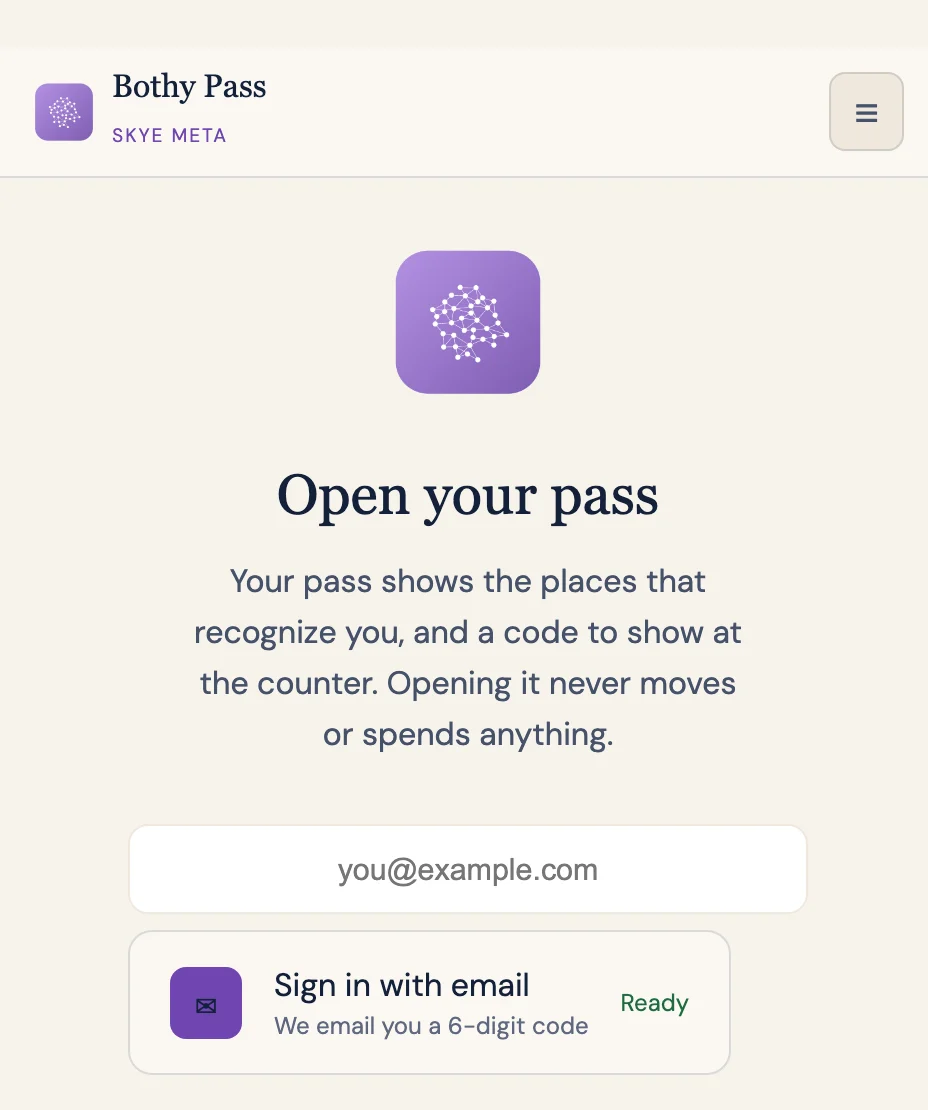
On your WordPress website, SkyeGate protects a page, post, or download. Instead of asking for a password, the page checks whether the visitor is carrying a recognized pass. If they are, the page opens. If they're not, it doesn't. There's no shared password to remember or pass around, and no word that six other families also know.
You start in Bothy: sign in, add your team's name and logo, confirm your website is yours, and make the pass. No code involved.
Then you invite your families, either by email or by uploading a list. Each person gets their own pass, not a copy of someone else's. When a family leaves, you remove them and their pass stops working. Everyone else keeps theirs, and nobody gets a new password.
Last, you install the SkyeGate plugin on your WordPress site (it comes with your license) and add it to the page you want to protect. That page now recognizes members instead of asking for a password. Getting started walks through each step if you want the full version.
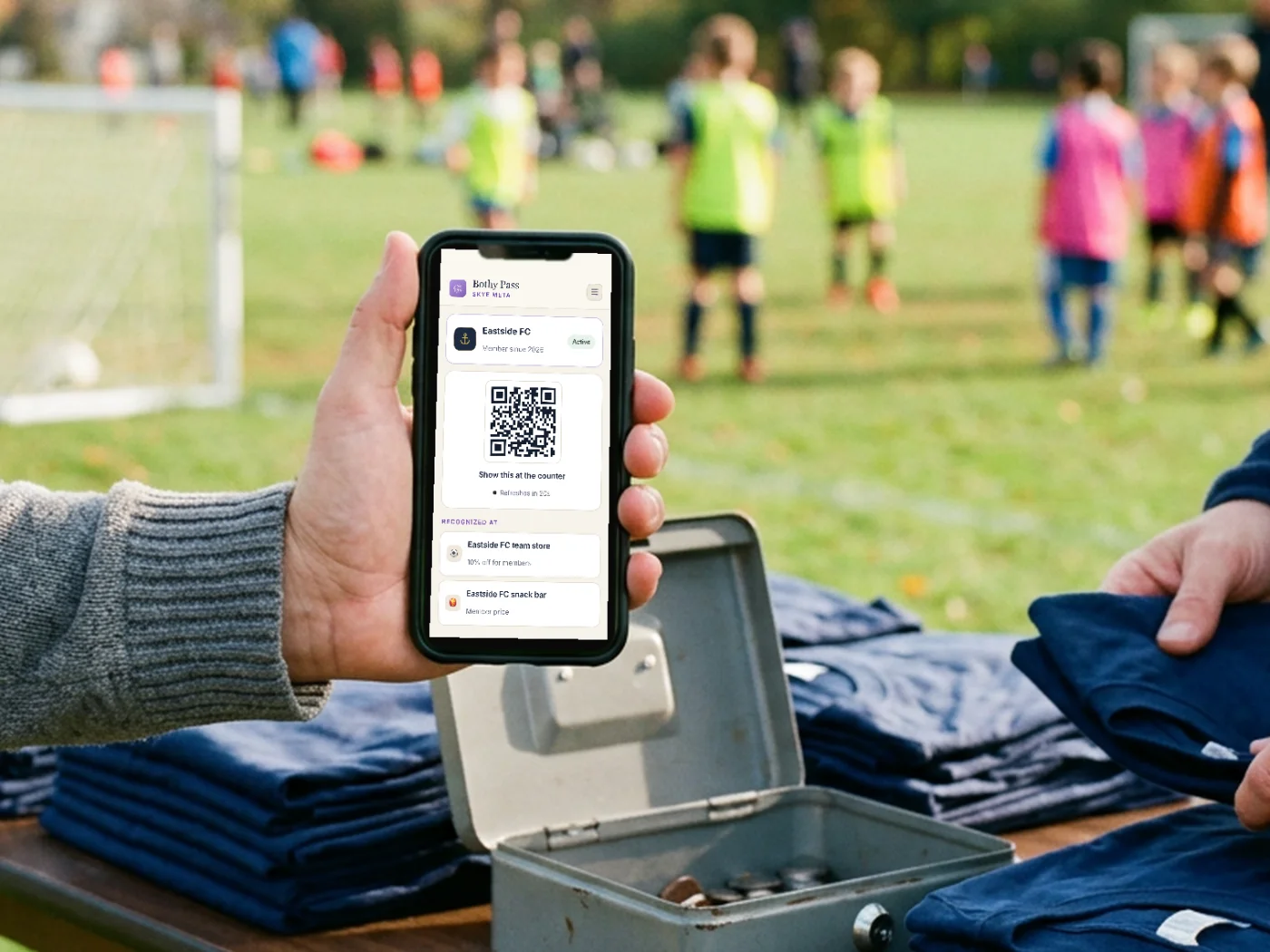
Once your families have the pass, it isn't just for your website. The same pass gets recognized at the Bothy Scanner if your snack bar or team-store table wants to offer a member price, and on member pricing in an online store if a local shop sets one up for your group.
Your families only ever see the pass. The page or the shop learns only that they're a member, never what else they hold.
More on how all of it fits together is on how it works.