By Douglas Borthwick · November 14, 2026
Local businesses want to help your school. You don't have to hand over your family list to get there.
By Douglas Borthwick · November 14, 2026
The pizza place near school wants to give PTA families 10% off. The owner just needs a way for the cashier to know who qualifies. The usual answer is a spreadsheet of names, and that's the part that costs you. There's a better way: a parent shows a pass, the cashier checks it, and the shop never gets your family list.
Here's how it usually goes. A PTA finds a few businesses willing to give families a discount: the pizza place, the frame shop, maybe the bowling alley. To make it work, someone emails over a spreadsheet of names and emails so the cashier can check it against the list.
That list goes stale the day a family moves or a kid graduates. It sits in an inbox at a business that has nothing to do with your school. And it only takes one copy-paste for it to end up somewhere you never meant it to go.
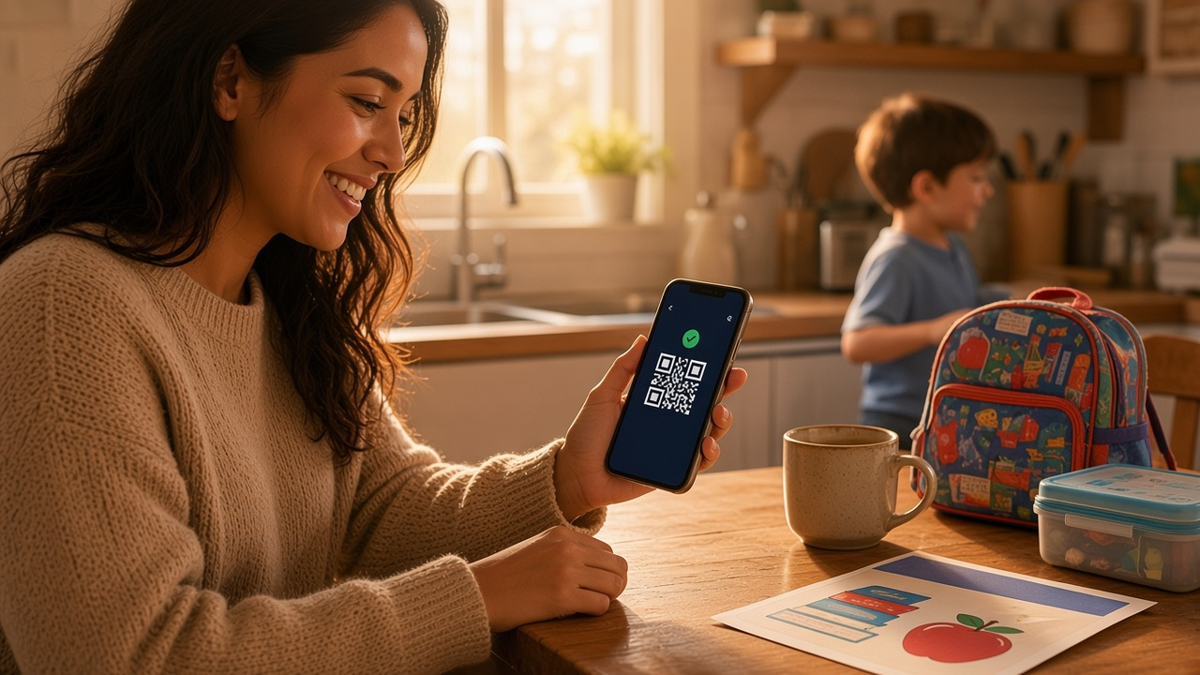
Instead of a spreadsheet, your PTA sends each family one pass. It's called a Bothy Pass, and it arrives by email. A parent opens it, enters a 6-digit code, and it's ready in about a minute. No app, nothing to install, and it never costs the family anything.
The pass is all a business ever needs to check. There's no roster to send them, and nothing for them to keep up to date.
At the register, the business checks the pass instead of a name on a sheet. We've written before about what your store sees when a member checks in, and the short version holds here too: the business learns that the person is recognized as a PTA member, nothing more. No name, no email, no reason to keep anything on file.
Your dashboard gives you a link made for local businesses. Send it to the owner. They add their business, choose the perk (a percentage off, a set amount, whatever suits the shop). Adding the business and choosing the perk costs nothing. To start welcoming families, the owner picks a store plan: they start at $49 a month per location with 500 member visits included, and the larger ones are on the pricing page.
On the first shift, the cashier opens the Bothy Scanner in the browser on the phone or tablet already at the counter and signs in with a code and a PIN. A parent holds up their pass, the cashier scans it, and the screen says whether they're recognized and what the discount is. The shop uses the phone or tablet it already has.
Why would a shop pay for that? The owner sets the perk and can change it any time. There are no coupon codes to hand out or leak, and no member list to keep. The same plan lets the shop welcome other local clubs, schools and teams too. The shop's dashboard counts every member visit, so the owner can see how often families use the perk, decide whether to keep it running, and cancel any time. We can't promise how many families will come by.
You run the whole thing from Bothy: sign in, add your PTA's name and logo, make the pass, then invite families by email or upload your roster once. That part takes about ten minutes. Participating businesses never receive a copy.
To run a perk, the PTA needs an active Skye License and the shop needs a store plan. Families never pay. Here's what it costs the PTA. Signing in and setting up is free, with no card. To make the pass and keep it recognized, a PTA needs a Skye License. The first 50 communities on Bothy get it free for a full year. After that it's $49 a month or $350 a year, and if the plan stops, shops stop recognizing the pass until you turn it back on. The license covers your first 50 member seats, and each email address you invite takes one seat. Past 50, extra seats are $20 per 50, paid once, and that applies in the free year too.
From there, your Bothy Dashboard is where you invite or remove families and see visits by business, as counts, never names. If a family leaves the school, remove them, and from the next check they're no longer recognized at any business you work with.
Start with one shop and one perk. Once that's working, the same pass works at every business that agrees to recognize it. The coffee shop by the field, the pizza place, the print shop doing the yearbook, all of them check the same pass instead of keeping their own list. Under the hood, each check is a signed yes or no from the condition-based access API Skye Meta builds on, but you'll never need to think about that part.
If you want to see how other groups set this up, the solutions page for PTAs walks through it.