WordPress Wallet Verification Plugin
Token gated content for WordPress. Verify wallet ownership, NFT holdings, and token balances across 32 blockchains. One shortcode, signed verification, no Web3 code.
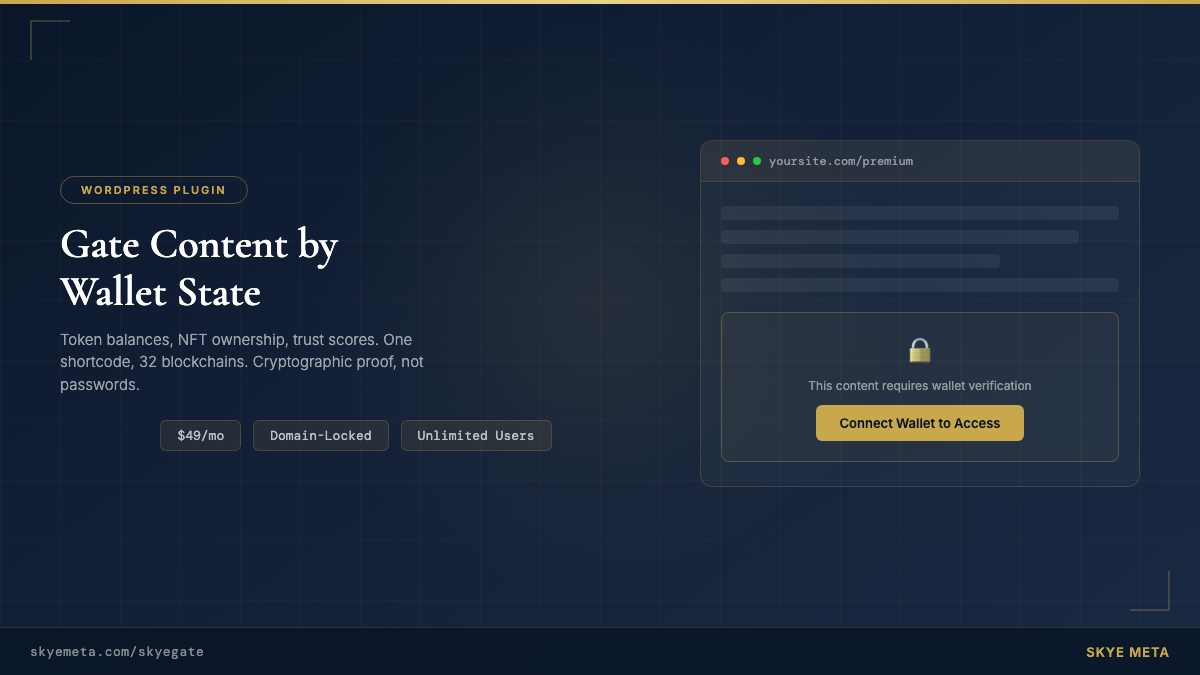
Token gated content for WordPress. Verify wallet ownership, NFT holdings, and token balances across 32 blockchains. One shortcode, signed verification, no Web3 code.
Wrap any content in a shortcode. Set the token, chain, and threshold. SkyeGate handles wallet connection, verification, and content reveal.
// ERC-20 token gate
[skyegate contract="0xA0b86991c6218b36c1d19D4a2e9Eb0cE3606eB48"
  chain="ethereum" threshold="100" decimals="6"]
  Content for USDC holders.
[/skyegate]

// Native SOL gate (Solana)
[skyegate chain="solana" threshold="1" decimals="9"]
  Content for SOL holders.
[/skyegate]

// Multi-wallet: ETH + SOL
[skyegate contract="native" chain="ethereum"
  threshold="0.1" decimals="18"
  contract_2="native" chain_2="solana"
  threshold_2="1" decimals_2="9"]
  Content for holders of both.
[/skyegate]A simple button on your page. The customer connects their wallet — no crypto payment required.
The plugin sends the wallet address to InsumerAPI, which checks conditions across 32 blockchains and returns an ECDSA-signed attestation.
If the wallet meets the condition, gated content is revealed automatically.
Every gating decision is backed by an ECDSA-signed JWT from InsumerAPI. Not an ephemeral balance check — a cryptographic proof.
30 EVM chains + Solana + XRPL. Ethereum, Polygon, Base, Arbitrum, Avalanche, Ronin, Chiliz, Berachain, and more.
Returns "meets condition: yes/no" — never exposes wallet balances. Boolean verification, not balance disclosure.
Every gating decision is backed by an ECDSA-signed attestation from InsumerAPI — cryptographic proof, not a simple balance lookup.
Most token-gating tools check a balance and call it a day. SkyeGate returns a cryptographic proof — signed and privacy-preserving.
| Capability | SkyeGate | Collab.Land | Lit Protocol | miniOrange | Unlock |
|---|---|---|---|---|---|
| Blockchains supported | 32 | ~10 | ~12 | 1 | ~8 |
| Signed cryptographic proof | ✓ | ✕ | ✕ | ✕ | ✕ |
| Privacy-preserving (no balance exposure) | ✓ | ✕ | ✓ | ✕ | ✕ |
| Cryptographically signed responses | ✓ | ✕ | ✕ | ✕ | ✕ |
| WordPress shortcode (no code) | ✓ | ✕ | ✕ | ✓ | ✓ |
| Trust profile scoring | ✓ | ✕ | ✕ | ✕ | ✕ |
| Unlimited verified users | ✓ | Tiered limits | ✓ | Per-user fees | Per-key fees |
| Flat pricing — no per-user fees | $49/mo | $25–250/mo | Free (DIY) | $49+/mo | Free + fees |
The broadest chain coverage of any token-gating plugin.
or $350/yr — save 40%
Choose monthly or annual billing. You'll receive your license key and plugin download link by email.
Upload the plugin ZIP in WordPress under Plugins → Add New → Upload Plugin. Activate it.
Go to Settings → SkyeGate, enter your license key, and click Activate. Your key is locked to your domain.
Wrap any content in the [skyegate] shortcode. Set the token, chain, and threshold — done.
You need to activate your license key first. Go to Settings → SkyeGate in your WordPress admin and enter the license key from your purchase email. The plugin won't load gate functionality until the license is activated.
Check your spam folder for an email from noreply@skyemeta.com with the subject "Your SkyeGate License Key." If you still can't find it, contact us with your purchase email and we'll resend it.
Each license key is locked to one domain. If you need to move it, go to Settings → SkyeGate and click Deactivate, then activate on the new domain. For multiple sites, you'll need a separate subscription for each.
SkyeGate supports MetaMask, Coinbase Wallet, and Phantom. All detected wallets are connected simultaneously with a single click — no wallet selection needed. On mobile, visitors use their wallet app's built-in browser.
Use the [skyegate] shortcode in any post or page. Example:
[skyegate contract="0x..." chain="ethereum" threshold="100" decimals="18"]
Premium content here.
[/skyegate]
Set the contract address, chain name, threshold (minimum amount), and decimals for the token.
All 32 chains listed below, including Ethereum, Polygon, Base, Arbitrum, Avalanche, BNB Chain, and more. Use the chain name or numeric chain ID in the shortcode.
Go to skyemeta.com/account, enter your license key, and you'll be taken to the billing portal where you can cancel. You keep access until the end of your billing period.
Yes. SkyeGate checks whether a wallet meets the conditions (pass/fail) without exposing the actual balance. The verification is backed by an ECDSA-signed attestation from InsumerAPI.